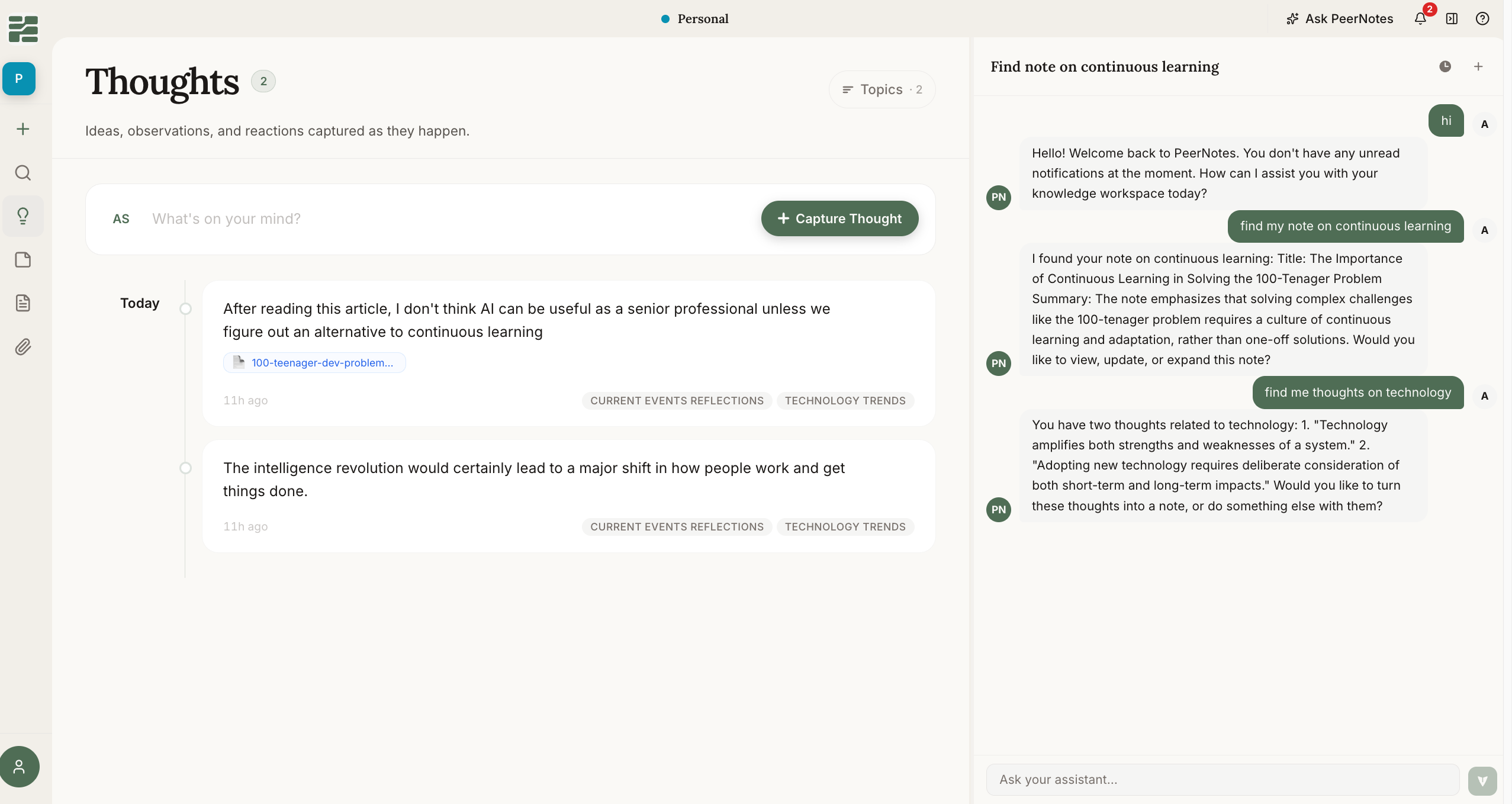
The PeerNotes workspace — thoughts organized by topic, with the AI assistant alongside
The pipeline: from reading to shared knowledge
Everything in PeerNotes flows through four layers. Each one has its own page in Core Concepts — start here for the shape of the whole:Sources
What you read. Upload PDFs, documents, images, and videos, or clip web pages with the browser extension. Private raw material.
Thoughts
Your reactions, captured in seconds. Private to you, and automatically clustered into topics by the PeerNotes agent — no filing.
Notes
Thoughts compiled into structured thinking. Share a note with workspace members for review and challenge — like code review, for ideas.
Articles
Refined notes, published to the whole workspace. The moment private thinking becomes shared knowledge.
How it works day to day
1
Capture as you go
Clip the article you’re reading, upload the report you were sent, and jot thoughts the moment they occur — from the web app, the browser extension, or the mobile apps.
2
Let the agent organize
The PeerNotes agent clusters your thoughts into topics continuously. When you come back, your scattered fragments are already grouped into the themes you’ve been thinking about.
3
Compile and refine
When a topic ripens, select its best thoughts and convert them into a note. Structure the idea, attach your sources, and ask the assistant what’s missing.
4
Share and publish
Open the note to teammates for feedback. When it holds up, publish it as an article for the whole workspace to read.
Getting started
Account Setup
Create your account and set up your first workspace.
Install the Extension
Add the browser extension so you can clip pages and capture thoughts from anywhere on the web.
PeerNotes is currently in early access and evolving quickly. Join the waitlist at forms.gle/aNnZjd8pVNitfwse7 to get your invite.